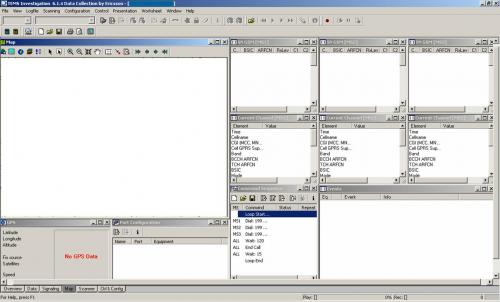
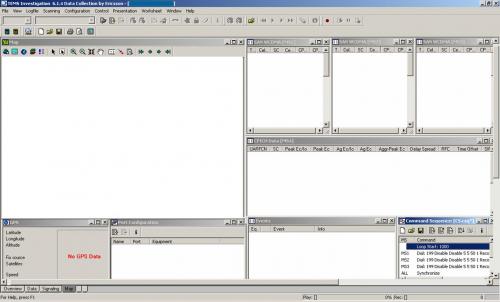
After installition process, open Tems Investigation.
>> All Programs -> TEMS Investigation -> Data Collect
This is the example workspace for 2G (Mode Dedicated-Idle).
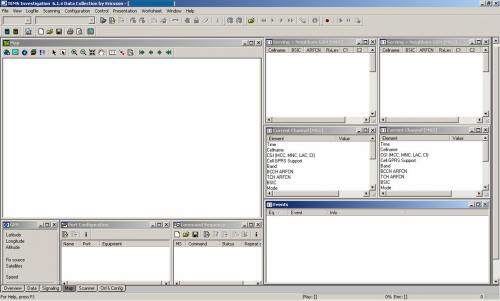
1. Open Worksheet Map & arrange size of window Map
2. GPS (Presentation -> Positioning -> GPS)
3. Port Configuration (Configuration -> Port Configuration)
4. Command Sequence (Control -> Command Sequence)
5. Serving + Neighbours GSM (Presentation -> GSM -> Serving + Neighbours GSM)
6. Current Channel (Presentation -> GSM -> Current Channel)
7. Event (Presentation -> Signalling -> Events)
for benchmark workspace, add Serving + Neighbours GSM and Current Channel for MS3.